Enrolling in an online degree program is an exciting step toward a flexible and affordable education. But before you log in to your first virtual lecture, one question often surfaces: do you have the right technology to succeed? The digital classroom of 2026 demands more than just a basic laptop and a Wi-Fi connection. As online learning platforms integrate artificial intelligence, virtual reality, and high-stakes proctoring software, your technology requirements for online students 2026 have evolved significantly. Understanding these requirements now can save you from surprise bills, technical headaches, and missed deadlines. This guide breaks down exactly what you need to invest in for a smooth, productive, and cost-effective online learning experience.
Core Hardware: Beyond the Basic Laptop
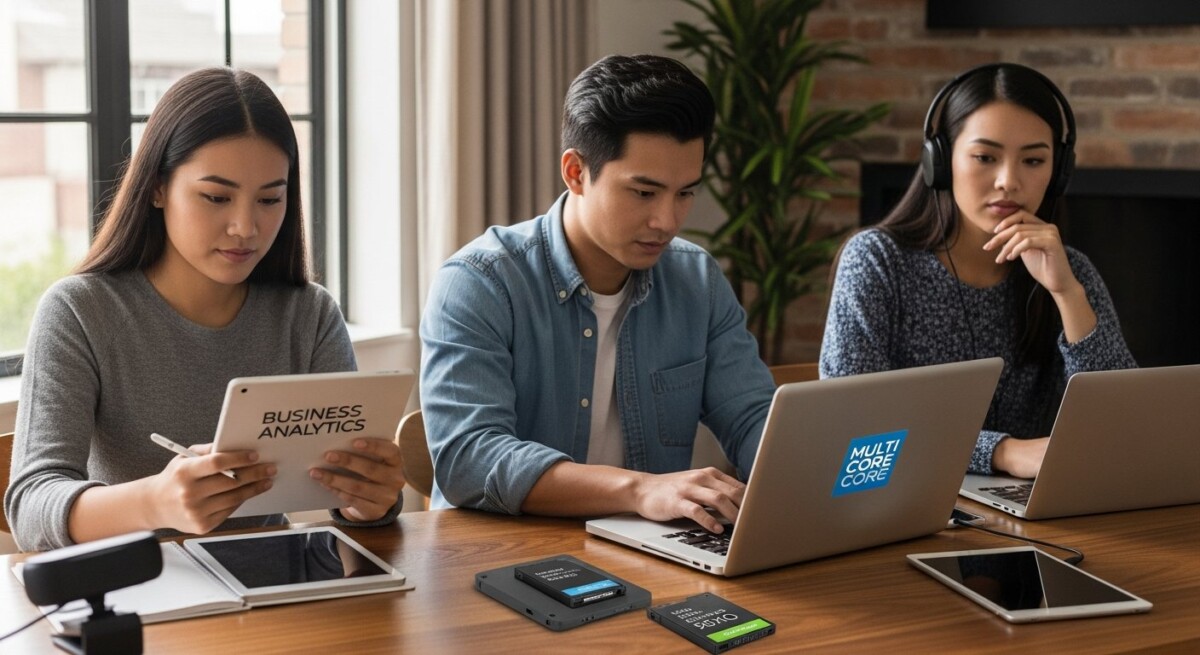
Your computer remains the cornerstone of your online education. However, the minimum specifications that worked five years ago may no longer suffice. In 2026, many accredited programs require hardware capable of running multiple applications simultaneously without lag. You will likely need a machine with a modern multi-core processor, at least 16GB of RAM, and a solid-state drive (SSD) with 256GB of storage. These specs ensure you can smoothly run your learning management system, video conferencing tools, and specialized software for your major all at once.
For example, a business analytics student might need to process large datasets in Excel or Tableau while watching a live lecture. A graphic design student will require a dedicated graphics card and a color-accurate display. Before you purchase anything, check your program’s specific hardware list. Many schools provide a recommended configuration rather than just a minimum, and aiming for the recommended tier will prevent frustration later.
Secondary Display and Peripherals
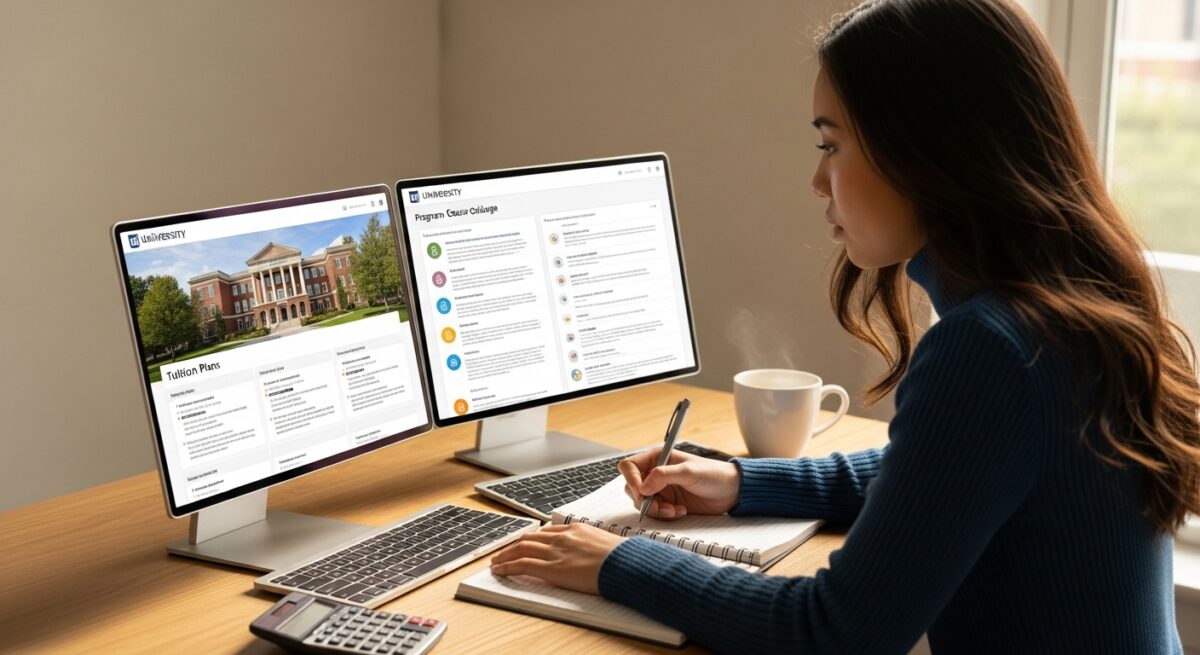
A single laptop screen can feel cramped when you are trying to take notes on one side of the screen and watch a lecture on the other. Adding a second monitor is one of the most cost-effective upgrades you can make. It significantly boosts productivity and reduces eye strain. You should also invest in a quality webcam with at least 1080p resolution. Built-in laptop cameras often produce grainy, poorly lit video, which can make a poor impression during virtual presentations or group projects.
Other peripherals to consider include a noise-canceling headset with a dedicated microphone. This ensures your peers and instructors hear you clearly, even if you have background noise. A reliable external keyboard and mouse can also improve ergonomics during long study sessions.
Internet Connectivity: The Non-Negotiable Lifeline
A stable and fast internet connection is arguably more important than your computer itself. For the technology requirements for online students 2026, a minimum download speed of 25 Mbps and an upload speed of 10 Mbps is generally recommended for smooth video conferencing. However, if you live in a household with multiple people streaming video or gaming, you will need a higher speed tier to avoid bandwidth contention. Wired Ethernet connections are always more stable than Wi-Fi for critical tasks like taking a proctored exam.
We strongly advise having a backup plan for internet outages. This could be a mobile hotspot from your phone carrier or a subscription to a low-cost home internet backup service. Losing connectivity during a final exam or an important synchronous class can have serious academic consequences. Many universities now provide guidelines on connection stability, and some even offer loaner hotspots to students who demonstrate need.
Software and Platform Essentials
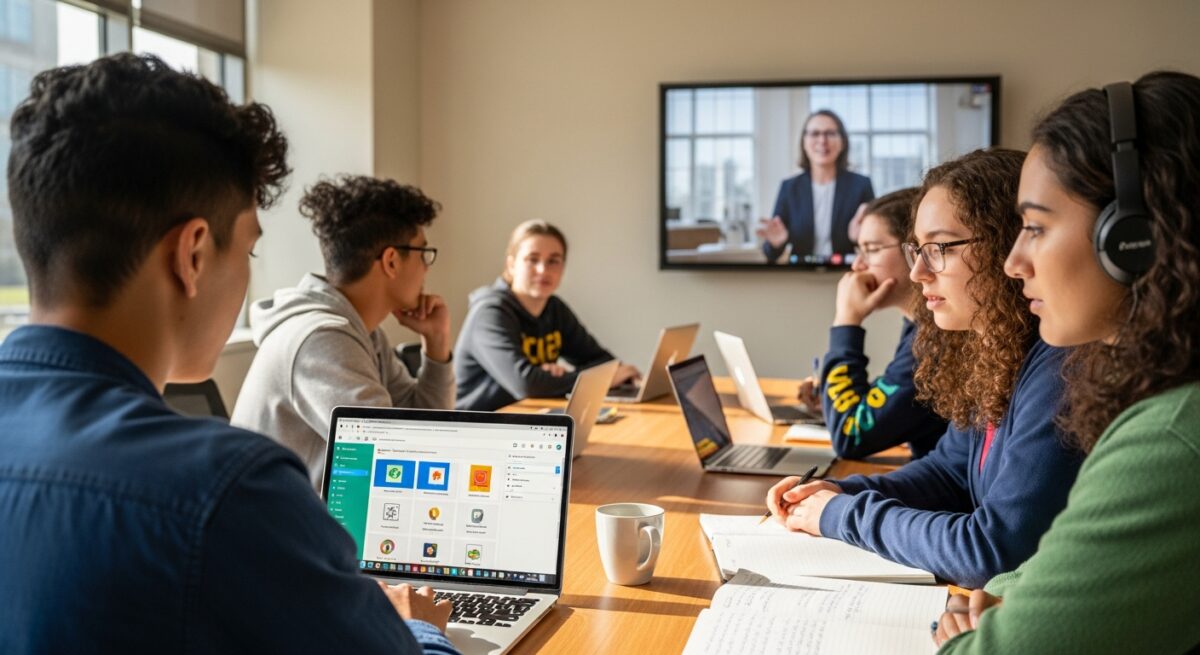
Beyond hardware, your success depends on the software ecosystem you build. Every online student needs a modern, updated operating system (Windows 11 or the latest macOS). You will also need a full suite of productivity software. Many schools offer Microsoft 365 for free to enrolled students, which includes Word, Excel, PowerPoint, and OneDrive cloud storage. You should also become comfortable with collaboration tools like Zoom, Google Meet, or Microsoft Teams, as well as your school’s specific learning management system, such as Canvas or Blackboard.
Here are the essential software categories every online student should prepare in 2026:
- Antivirus and Security Suite: A robust antivirus program and a VPN (Virtual Private Network) are critical for protecting your personal data and school accounts, especially when using public Wi-Fi.
- Cloud Storage and Backup: Use services like OneDrive, Google Drive, or Dropbox to automatically back up your assignments. A local external hard drive for additional backups is also wise.
- Note-Taking and Organization: Apps like OneNote, Notion, or Evernote can help you organize lecture notes, research, and project timelines across all your devices.
- Proctoring Software: Be prepared to install and test exam proctoring software like ProctorU or Respondus. These tools require camera and microphone access and often check your system before an exam.
Understanding these tools before the semester starts will reduce anxiety. Many schools offer free training modules or orientation sessions for these platforms. Taking advantage of these resources is a smart way to start your program confidently.
Budgeting for Your Tech Setup
One of the biggest concerns for students is the upfront cost of meeting technology requirements. A complete setup including a laptop, monitor, webcam, headset, and software subscriptions can easily cost between $1,000 and $2,500. However, this is an investment in your education and future earning potential. There are several ways to manage this cost effectively. First, check if your school offers a technology fee that includes access to loaner equipment or discounted software. Some schools even include a laptop in the cost of tuition for specific programs.
Second, look for student discounts. Companies like Apple, Dell, and Microsoft offer significant educational pricing. You can also find refurbished or open-box items from reputable retailers that come with warranties. In our guide on 4 Ways Online Students Can Make the Most of Summer, we discuss how to use summer break to prepare financially and technically for the upcoming academic year. Finally, consider using financial aid funds to cover necessary technology purchases, as many schools allow this for required equipment.
Accessibility and Ergonomic Considerations
Online learning requires long hours in front of a screen. Ignoring ergonomics can lead to physical discomfort and burnout. An adjustable chair, a desk at the proper height, and a monitor positioned at eye level are essential for long-term health. If you have specific accessibility needs, most online platforms support screen readers, closed captioning, and voice-to-text features. You should contact your school’s disability services office early to ensure all your course materials are accessible and to request any necessary accommodations.
Beyond physical health, consider your digital environment. Create a dedicated study space that is quiet, well-lit, and free from distractions. This helps your brain switch into “study mode” and improves focus. Invest in good lighting for your face if you will be on camera frequently. A simple ring light can dramatically improve your video quality and help you feel more confident during presentations.
Future-Proofing Your Investment
Technology evolves quickly, but you do not need to buy the newest device every year. When selecting hardware, think about a three-to-four-year lifespan. Choose a laptop with upgradeable RAM or storage if possible, or buy slightly more power than you currently need. This approach ensures your technology will still meet the technology requirements for online students 2026 and beyond, without needing a replacement mid-degree. Additionally, keep your software and operating system updated. Regular updates patch security vulnerabilities and improve compatibility with the latest learning tools.
Finally, build a relationship with your school’s IT help desk. They are your first line of defense for technical issues. Knowing how to contact them and what information to have ready (like your student ID and a description of the problem) can resolve issues in minutes rather than hours.
Frequently Asked Questions
Can I use a Chromebook for my online classes?
Chromebooks can work for basic coursework involving web browsing, document editing, and email. However, they often struggle with specialized software required for majors like engineering, data science, or graphic design. Always check your program’s specific requirements before relying solely on a Chromebook.
Do I need a printer for online learning?
Most online programs are paperless. However, some students prefer to print readings or assignments for annotation. A basic, affordable inkjet or laser printer can be useful but is not a strict requirement for the majority of programs.
What happens if my internet goes down during an exam?
Contact your instructor and the proctoring service immediately. Most schools have a policy for such situations. Having a backup connection, such as a mobile hotspot, is the best way to mitigate this risk. Some institutions also offer on-campus computer labs for high-stakes testing.
Can I use financial aid to buy a laptop?
Yes, in many cases. After your tuition and fees are paid, any remaining financial aid funds (credit balance) can be used for education-related expenses, including a computer and other required technology. Check with your school’s financial aid office for their specific policy.
Meeting the technology requirements for online students 2026 is about more than just buying gadgets. It is about creating a reliable, efficient, and comfortable learning environment that supports your academic goals. By investing wisely in your hardware, internet connection, and software tools, you set yourself up for success from day one. Take the time to research your program’s specific needs, budget accordingly, and prepare your space. The effort you put into your tech setup today will pay dividends in reduced stress and better grades throughout your entire degree program. For more resources on choosing an affordable online program and planning your education finances, visit CollegeDegree.school to explore accredited options that fit your budget and lifestyle.
About the Author: Michael Grant